Toolbox Chaos practical guide
Concept Dictionary
Use the local dictionary to connect terminology, equations, diagnostics, and plots while keeping definitions subordinate to the actual numerical experiment.
Objective
What you will accomplish
Build a consistent vocabulary for reading Toolbox Chaos outputs and planning learning or research activities.
Before you begin
- Open the dictionary from its main tab or the documented local help entry.
- Keep the plot or numerical panel that raised the question available for comparison.
Reference outputs
What these views can show
Procedure
Step-by-step workflow
-
Begin with the operational term
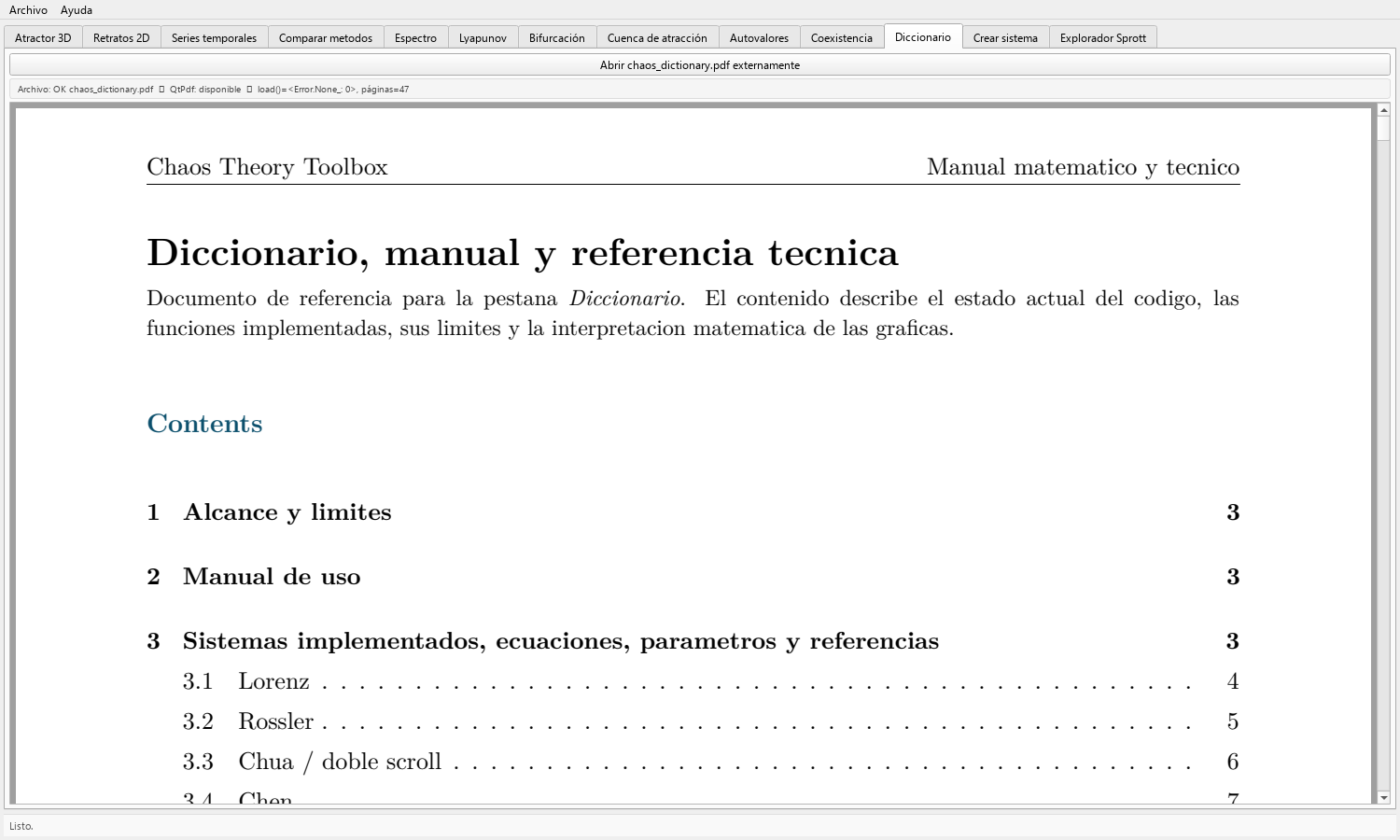
Open the bundled dictionary PDF and scroll through its pages until you reach the concept attached to the current task: state variable, phase space, transient, equilibrium, eigenvalue, spectrum, bifurcation, basin, or Lyapunov exponent.
The embedded tab has no text-search control. Press Abrir chaos_dictionary.pdf externamente when you need the external viewer; if QtPdf cannot render the document, the fallback panel presents the same external link. Use text search only if the external PDF viewer provides it.
Read the definition before using the term in a caption or report.
-
Connect definition and control
Identify which GUI input or output instantiates the definition. For example, the integration step is a numerical control, while a model parameter belongs to the equations.
Write a one-sentence explanation in the context of the selected model instead of copying terminology without application.
-
Connect definition and figure
Locate the visual feature associated with the term, such as an equilibrium point, a transient interval, or a spectral peak.
If the feature is not directly visible or measurable in that panel, move to the appropriate tab rather than inferring it from an unrelated plot.
-
Check neighboring concepts
Compare terms that are often confused: amplitude spectrum versus power spectral density, trajectory versus attractor, local stability versus global behavior, and sensitivity versus proof of chaos.
Use the scientific-interpretation guide when a definition seems stronger than the available numerical evidence.
-
Build a study note
Record the term, its model-specific meaning, the tab used, the numerical inputs, and an example figure reference.
For teaching, ask learners to explain why a near-synonym would be inaccurate in that example.
Result
Expected output
- A precise term connected to a concrete GUI control, calculation, or visual feature.
- A model-specific explanation that can be used in a caption, laboratory note, or lesson without overstating the evidence.
Interpretation
How to read it
The dictionary supports conceptual orientation. The actual meaning of a computed result still depends on equations, parameters, initial state, numerical method, and observation window.
Some terms have strict mathematical definitions that cannot be verified from one plot. Use the dictionary to formulate the question, then apply the appropriate analysis.
Export
Reproducibility checklist
- Cite the scientific source for formal definitions used in publications.
- Keep the term linked to the experiment identifier and figure it describes.
- Do not export a definition as though it were a computed result.
Applications
Where this workflow helps
- Self-study and classroom vocabulary exercises.
- Standardizing terminology across an interdisciplinary research team.
- Improving captions, methods sections, and oral explanations of numerical results.
Limits
What it does not establish
- The dictionary is a learning aid, not a replacement for primary references or a proof system.
- Definitions do not establish that the currently displayed trajectory satisfies the named property.
- Terms related to hidden-attractor localization belong to the separate Hidden Attractors FO research scope, not to a Toolbox Chaos GUI result.